


What you need to know
- Googlebook laptops are built around Gemini AI with deep system-wide AI integration across the experience.
- Magic Pointer lets users trigger Gemini actions contextually just by hovering over on-screen elements.
- Googlebook can run Android phone apps directly and access files without manual transfers or emulation.
- Acer, ASUS, Dell, HP, and Lenovo will launch the first Googlebook laptops later this fall.
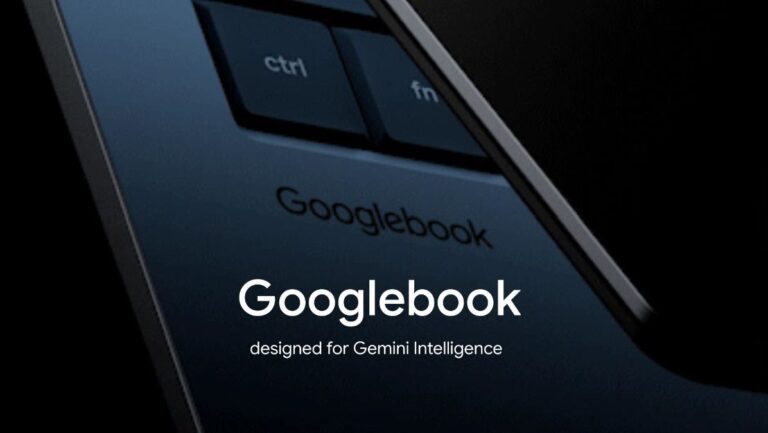
It’s been over 15 years since the first Chromebook was announced, and a lot about laptops and desktop operating systems has changed since then. Google is now taking things in a completely new direction with what it calls a new category of laptops: Googlebooks.
Announced at The Google Show, Googlebooks are built around what the company calls Gemini Intelligence. designed from the ground up with Gemini AI deeply integrated into the experience. In the official blog post, Google says computing is shifting from “from an operating system to an intelligence system,” and Googlebooks are a chance to rethink laptops.

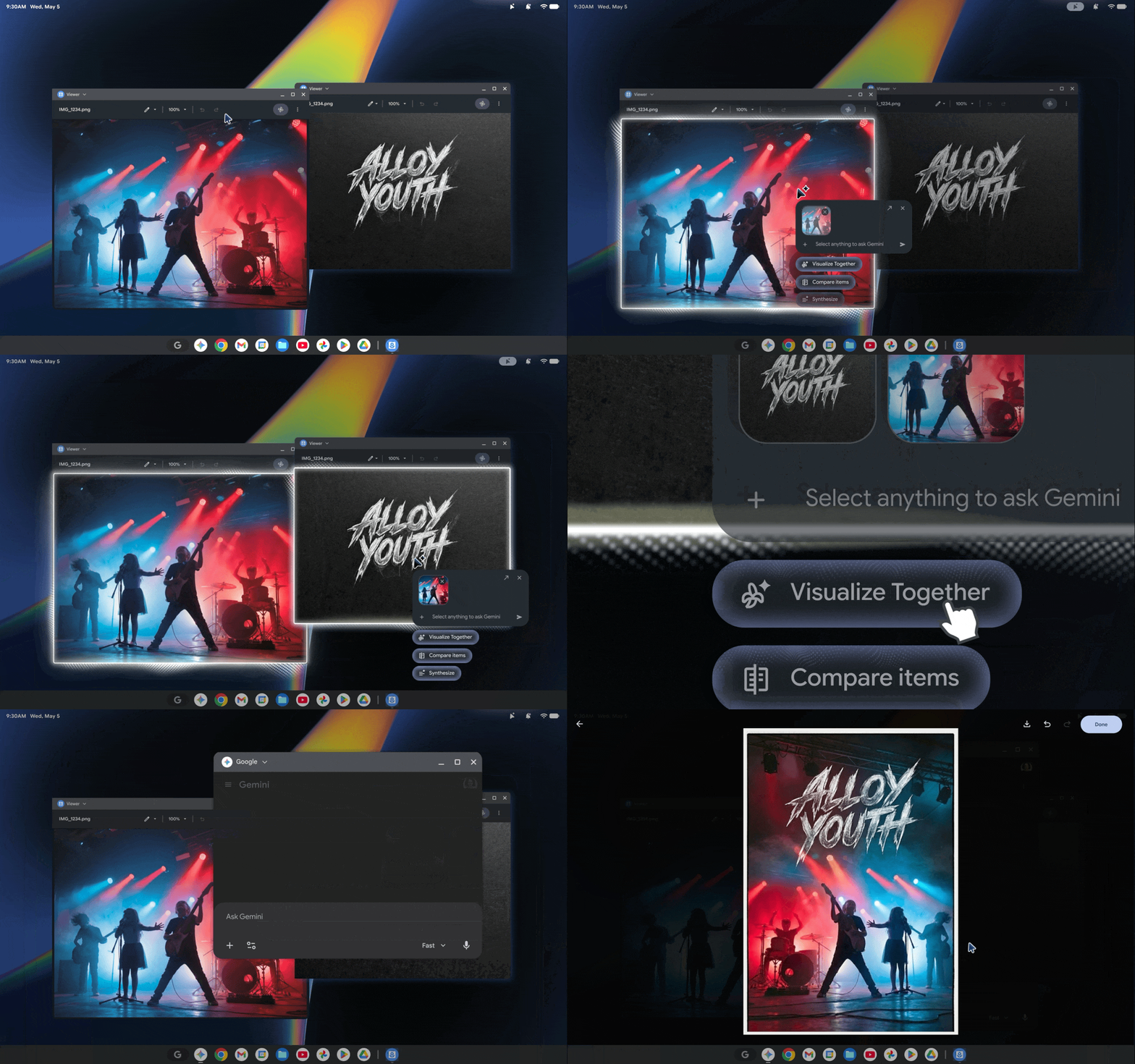
Every part of a Googlebook is expected to integrate Gemini. One of the headline features is Google’s Magic Pointer. The company says users can simply wiggle their cursor to bring up Gemini-powered contextual suggestions directly on screen.

For example, hovering over a date in an email could instantly create a calendar event. Google also says you’ll be able to do things like point at two images and combine them together, for example, placing a couch into a photo of your living room to preview how it would look.
Similar to Android, Google is also bringing AI-generated widgets to Googlebooks. The feature, called Create your Widget, lets users ask Gemini to build custom widgets on the fly. These widgets can pull information from apps like Gmail, Calendar, and Drive.
For example, you could ask Gemini to create a travel widget, and it would automatically gather your hotel bookings, calendar events, and things to do into one dashboard on your home screen.
The company is also leaning heavily into Android ecosystem integration. Google says Googlebooks will run apps directly from an Android phone without downloads or emulation.
The laptops will additionally feature Quick Access, which lets users browse and insert files directly from their Android phone into the laptop’s file browser without needing manual transfers.

From what we’ve seen so far, a Googlebook will also allow users to pin apps, files, and folders directly to the desktop, something Android’s current desktop mode still lacks. That alone could make these devices feel much closer to traditional Windows laptops or MacBooks.
On the hardware side, Google says it’s partnering with Acer, ASUS, Dell, HP, and Lenovo for the first wave of Googlebook devices. The company also says every Googlebook will feature “premium craftsmanship and materials” alongside a new “glowbar” — something many initially expected to debut on the Pixel 11 series instead.
Google has not yet shared pricing, specifications, or exact launch timelines for the first Googlebook laptops, but the company says more details will arrive later this year when devices become available in the fall.
Android Central’s Take
Honestly, this is a very interesting move from Google. The company is essentially going head-to-head with both Apple and Microsoft by slowly turning Android into a proper cross-platform smartphone and desktop operating system experience. And honestly, Android feels more powerful than ever right now.
With more powerful apps and creator-focused tools expected to arrive this year, Googlebook could push Android much closer to being genuinely comparable to Windows laptops and MacBooks, especially for the education-focused workloads that Chromebooks were originally built for.
Of course, Googlebook will still face tough competition from devices like the MacBook Neo and Snapdragon Elite-powered Windows ARM laptops, but this honestly feels like one of the most promising directions Google has taken in years.