


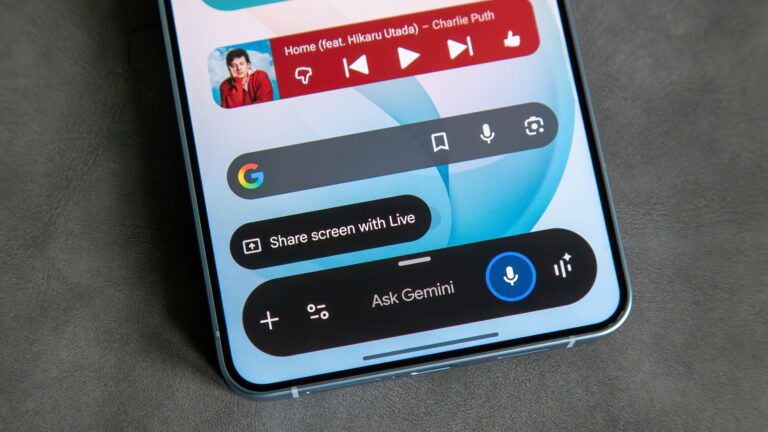
What you need to know
- Google officially replaced Assistant with Gemini in September, but a Redditor has found a way to bring it back.
- The workaround involves uninstalling Google app updates and reopening Google Assistant through the Play Store.
- Users can reportedly decline the Gemini switch and set Google Assistant as their default digital assistant again.
- You’ll need to disable automatic Google app updates to keep the workaround working.
A Redditor seems to have found a new trick to get Google Assistant working again on Android phones, even after Google officially shut it down.
Last month, Google pulled the plug on Google Assistant for Android phones on September 4, 2026, replacing the good old assistant with Gemini. Gemini is now the default assistant on Android smartphones, whether you like it or not. However, a new workaround discovered by a Redditor (via Android Police) claims to bring back the Google Assistant experience.
According to the Reddit post, the user managed to get Google Assistant working again by uninstalling updates to the Google app on their Android phone. They then opened the Google Assistant listing on the Play Store, after which the old assistant reportedly started working again.
When Google Assistant launches, a prompt appears asking users to switch to Gemini. But according to the Redditor, there’s still an option to decline the switch and continue using Google Assistant instead.
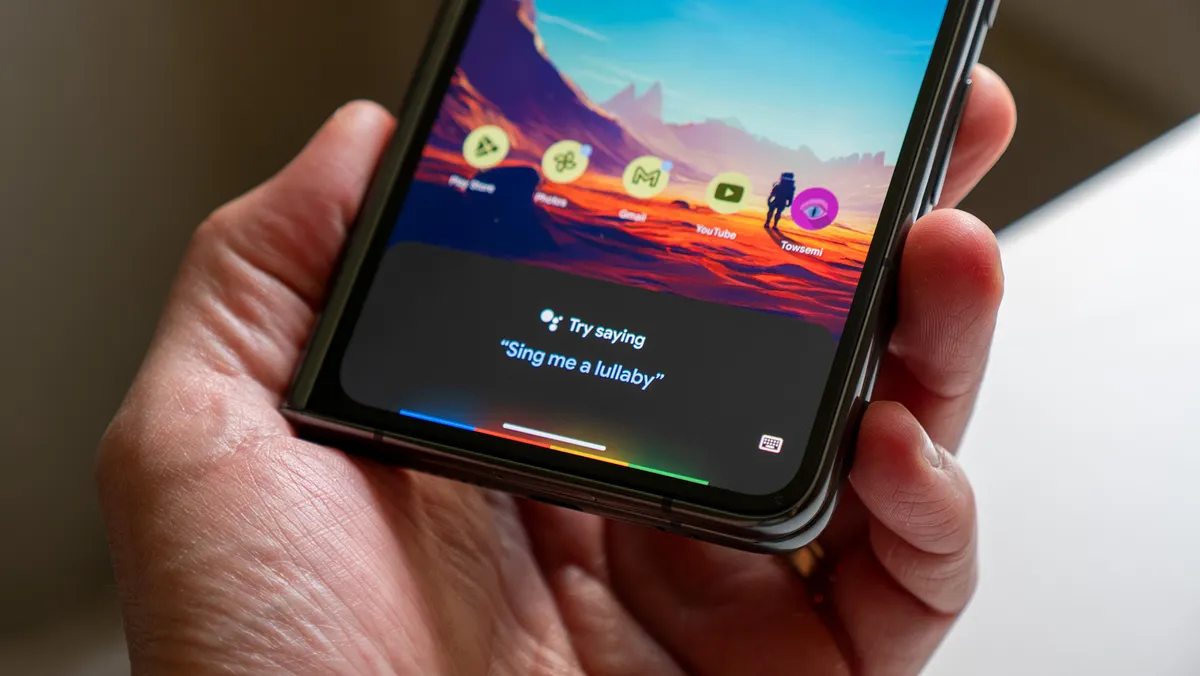
Selecting that option reportedly lets users set Google Assistant as their default digital assistant again, restoring the familiar experience Google discontinued last month. Of course, there’s another step you’ll need to follow if you want to keep Google Assistant working through this method.
You’ll have to disable automatic updates for the Google app on the Play Store. Otherwise, the app could update itself to the latest version and replace Google Assistant with Gemini again. To do this, open the Google Play Store and search for the Google app. Open its listing, tap the three-dot menu in the top-right corner, and uncheck Enable auto-update.
And that’s it. If you’ve been missing the good old Google Assistant experience on your Android phone, this workaround appears to offer a way to bring it back, at least for now.
Of course, there’s no guarantee it’ll continue working. Google could disable the workaround through a future update or server-side change at any time. But if you still prefer Google Assistant over Gemini, or simply want to give the old assistant another go for nostalgia’s sake, this might be worth trying.>